Share file in local network or internet.
Definition
P2P : Directly share a file between 2 computers. Both computers need to be online at the same time.
Client-Server : Sharing a file between two computers via a server. Both computers do not need to be online at the same time.
Use case
Web app - internet connection needed to load the application
-
Pairdrop.net, P2P share on local network and over internet.
-
wormhole.app, Client-Server share over the internet. (limited to 24 hours storage)
-
Any cloud provider, for long-term share storage but an account is required.
Application to download - can be used locally without internet
-
beebeep.net, P2P local messaging app with file sharing capabilities. I recommend this one for security reasons.
-
Lan-share, P2P local file sharing. Unmaintained but still works, avoid using it on public wifi.
-
Nitro-share, P2P local file sharing. Unmaintained but still works, avoid using it on public wifi.
-
syncthing.net, a self-hosting client-server file-sharing application. Needs some set-up but is a good alternative to online cloud providers if privacy or price is a concern.
Honorable mention - for very specific use case
-
Web server directory like with debian, good self-hosting method for sharing a large amount of file/folder in the internet.
-
SMB/Samba with explaination, good for sharing a folder on a local network. Some setup is require but no application should be needed to make it work.
-
Protocol SFTP with FileZilla, Good to access / give data on a local device when you know its username and password. (usually for server management)
-
Protocol SCP CheatSheet, Good to automate local transfer without using any external software.
Contribution
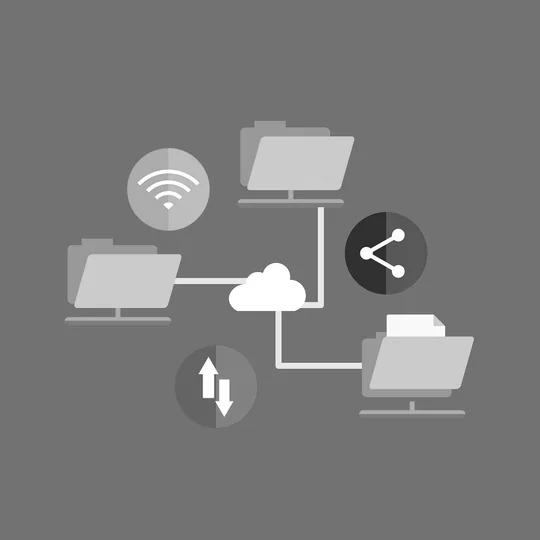
Image by Megan Rexazin Conde from Pixabay